One player. Every screen you own.
iptvolt is rolling out on every major platform at once. The apps are in store review and final testing right now, and each button below goes live the moment its store approves.
- Rolling out now
- No account needed
- No ads, ever
- Up to 5 of your devices
Launch in progress
Submitted to every store and in review. While the stores finish their checks, a button can show a store page that isn't public yet. The Apple TV, Fire TV, Windows and Linux apps are available now.
Phone and tablet
The full app with AirPlay, Chromecast, Picture-in-Picture and multi-view.
- In review
iPhone and iPad
iOS and iPadOS
AirPlay, Chromecast and Picture-in-Picture, logins in the iOS Keychain.
Rolling out onApp Store - In review
Android
Phones and tablets
Chromecast and the built-in VLC engine for MKV, AVI and raw TS.
Rolling out onGoogle Play
Big screen
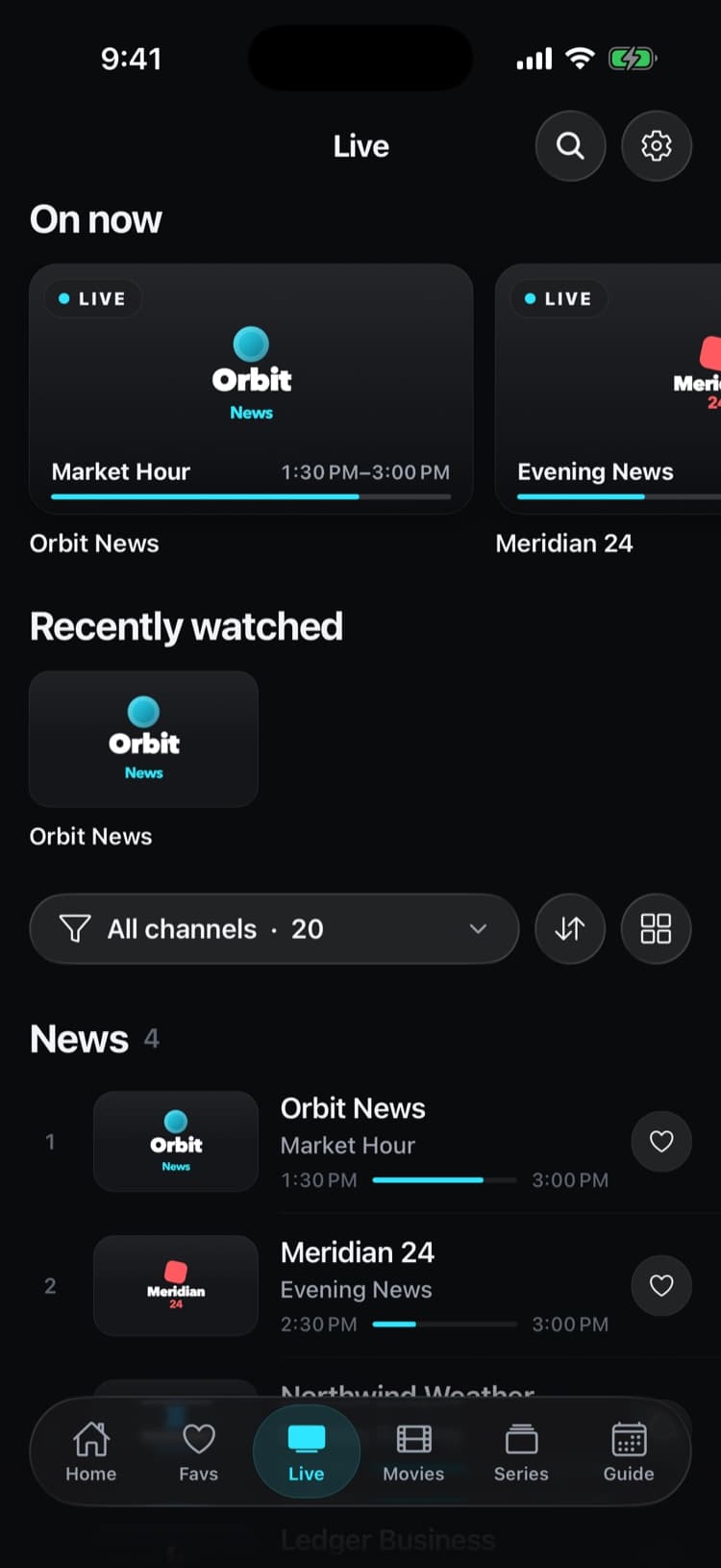
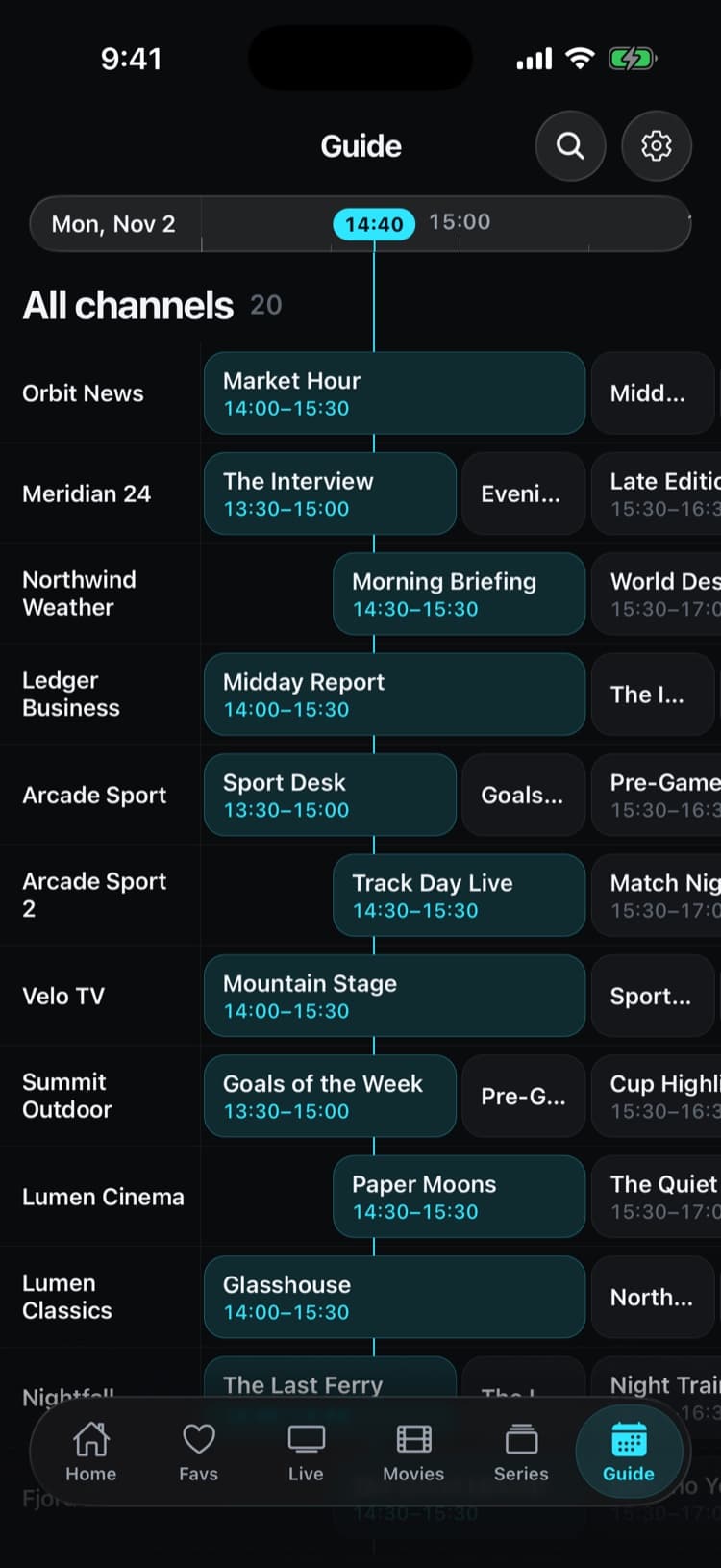
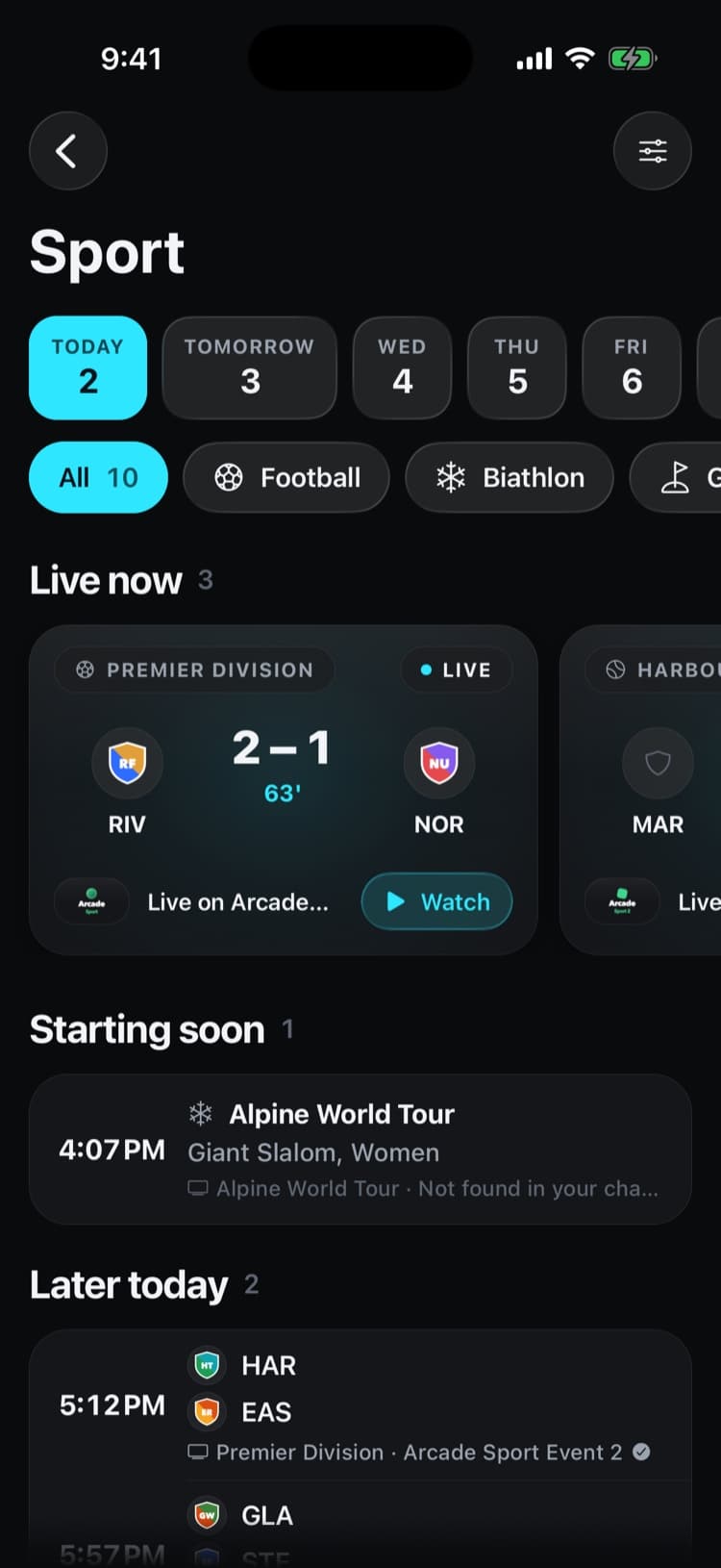
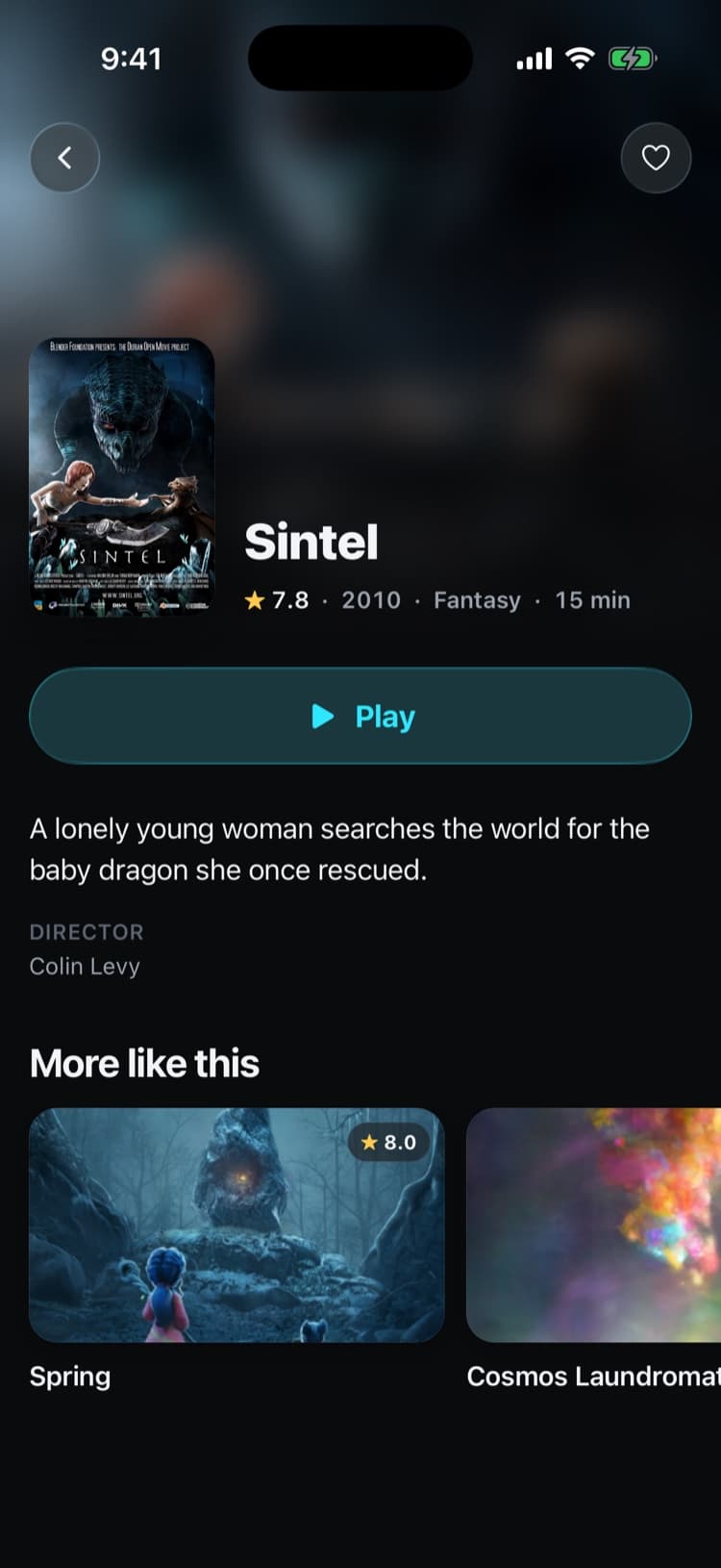
Native TV apps built for the remote. Type your link with the remote, or with Pro scan a code with your phone and it is set up in seconds.
- Available
Apple TV
tvOS
Same App Store listing as iPhone and iPad.
More about iptvolt on Apple TV Get it onApp Store - In review
Android TV and Google TV
TVs, boxes and sticks
Same Play listing as the phone app, with its own TV interface.
More about iptvolt on Android TV and Google TV Rolling out onGoogle Play - Available
Amazon Fire TV
Fire TV sticks, cubes and TVs
Built for the Fire TV remote, with channel numbers and the guide.
More about iptvolt on Amazon Fire TV Get it onAmazon Appstore - In review
Samsung Smart TV
Tizen, 2022 models and newer
Rolling out in the USA first, more countries to follow.
More about iptvolt on Samsung Smart TV Link at launchSamsung Apps - In review
LG Smart TV
webOS
In LG's app review and quality testing.
More about iptvolt on LG Smart TV Link at launchLG Content Store
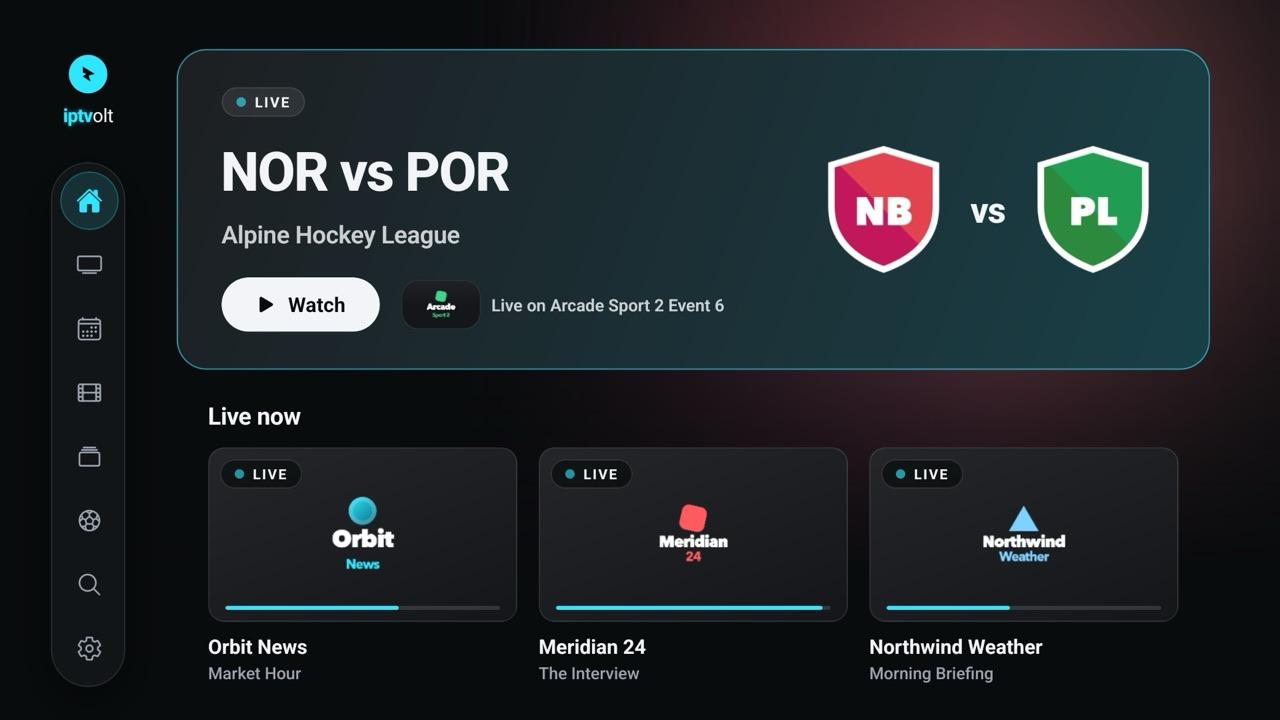
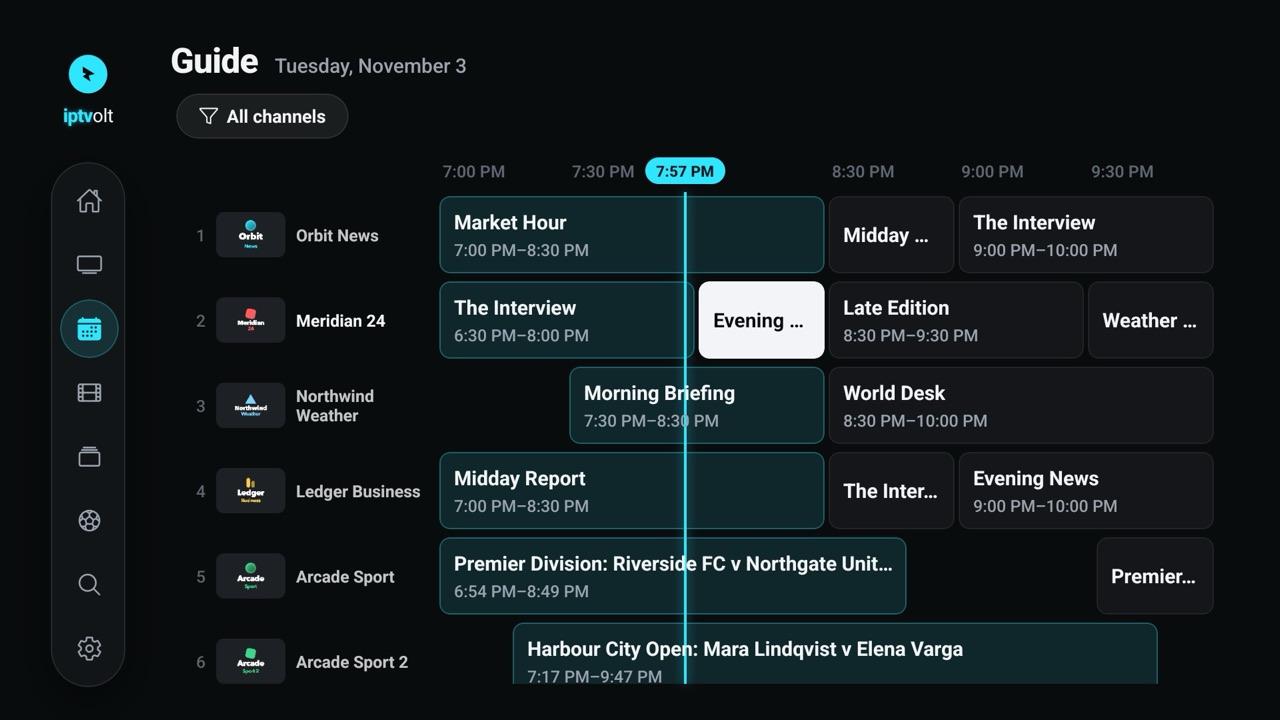
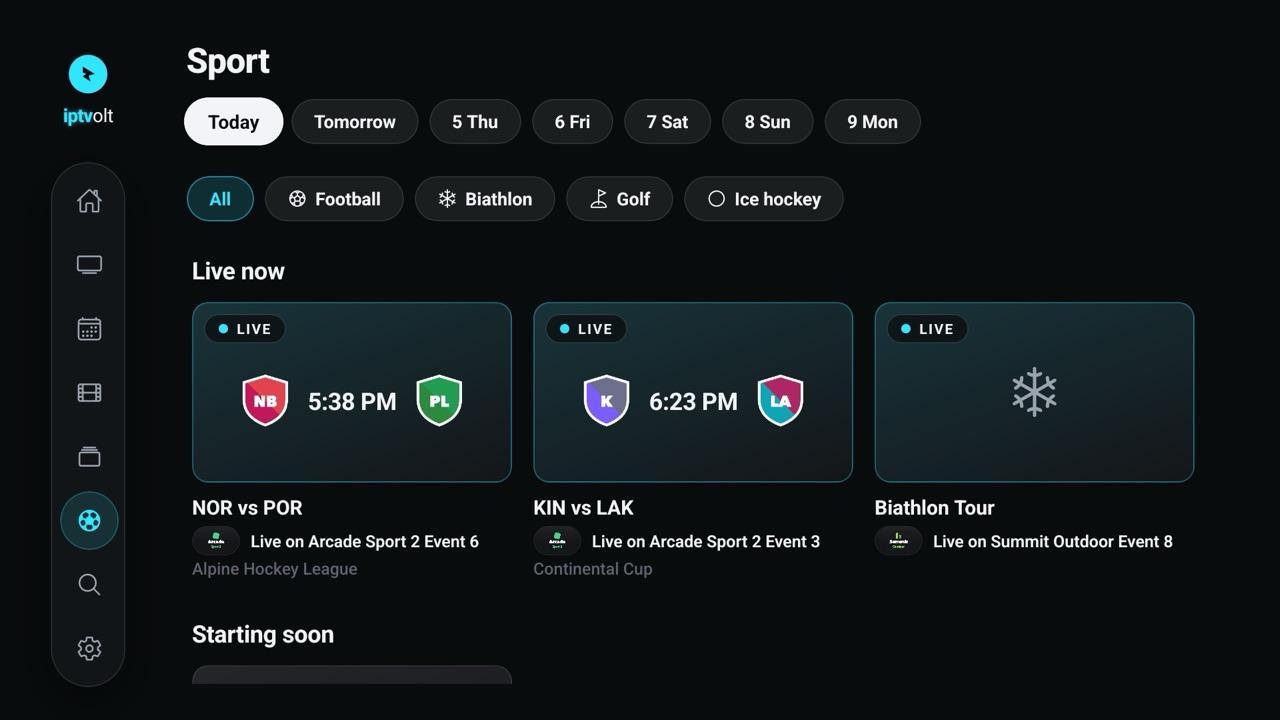
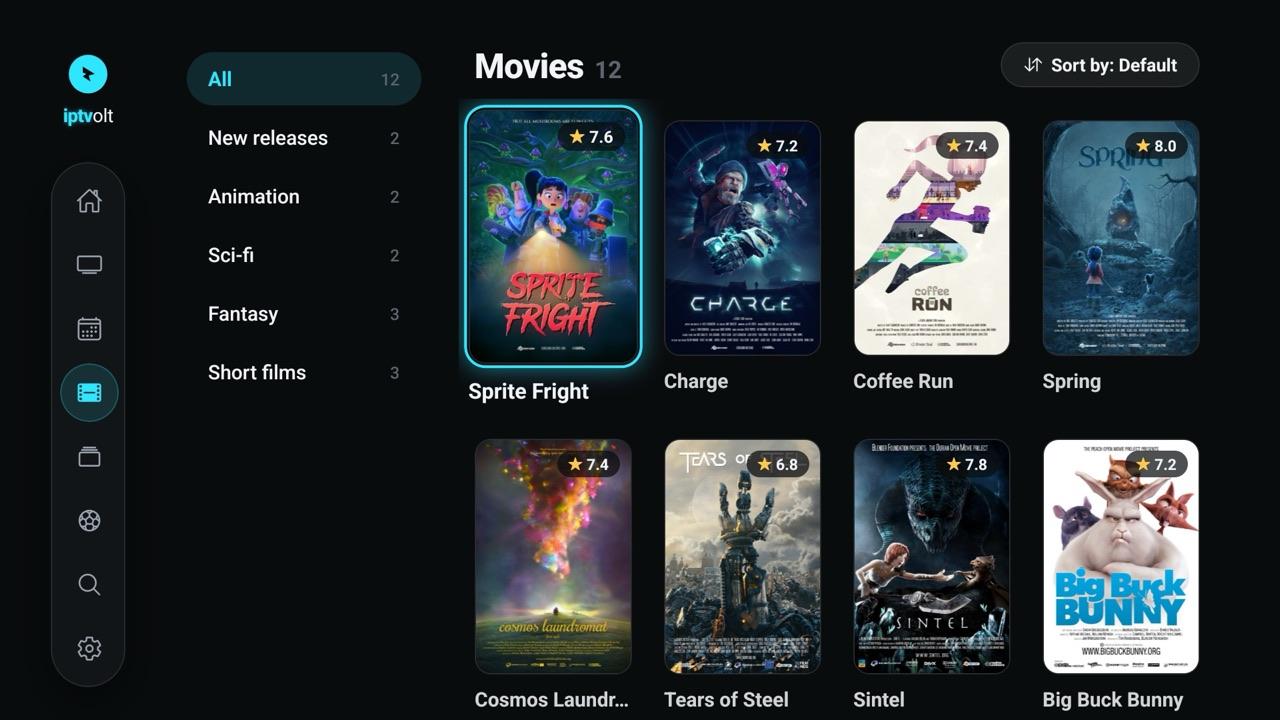
Real TV app screens with a demo source. iptvolt ships no content.
Computer
The big-screen interface on your desk, controlled with keyboard and mouse.
- Available
Windows
Windows 10 and 11, 64-bit
Installs in one click and keeps itself up to date.
More about iptvolt on Windows Free downloadDownload for WindowsWindows may show a SmartScreen notice for new apps: choose More info, then Run anyway.
- Available
Linux
64-bit desktop Linux (AppImage)
One file for most distributions, no install, keeps itself up to date.
More about iptvolt on Linux Free downloadDownload for LinuxMake the file executable, then start it. Newer Ubuntu versions need the libfuse2 package.
- In review
Mac
Apple silicon (M1 and newer)
The iPad app, running natively on Apple silicon Macs.
Rolling out onMac App Store
Add your source
On any device: your M3U link or Xtream login.
Create a sync code
One code, end-to-end encrypted. No account.
Scan on the next screen
With Pro, TVs show a code: scan it with your phone and you're in. Without Pro, type your link with the remote.
One Pro purchase covers up to 5 of your devices that share a sync code, on any mix of platforms.
Download questions.
Which devices does iptvolt run on?
iPhone, iPad and Mac with Apple silicon from the App Store, Apple TV, Android phones and tablets, Android TV and Google TV from Google Play, Amazon Fire TV, Samsung Smart TVs from 2022 on, LG Smart TVs, Windows 10 and 11 PCs and 64-bit Linux.
Is iptvolt available yet?
It is rolling out now. iptvolt is submitted to every store and in review; each store button goes live the moment that store approves. The Apple TV, Fire TV, Windows and Linux apps are available now.
How do I install iptvolt on a Samsung, LG or Fire TV?
Open your TV's app store, search for iptvolt and install it. On first start you can type your M3U link or Xtream login with the remote. With Pro, the TV shows a code instead: scan it with your phone and your sources, favourites and settings come over end-to-end encrypted.
Is there a version for Mac?
Yes. On a Mac with Apple silicon (M1 and newer), iptvolt runs as the iPad app from the Mac App Store, natively and with the same sync code as your other devices.
Do I have to buy Pro on every device?
No. One Pro purchase covers up to 5 of your devices that share a sync code, on any mix of platforms: phone, tablet, TV and PC.
Do the Windows and Linux apps update themselves?
Yes. They check for new versions and update on their own. Windows may show a SmartScreen notice for new apps on first install: choose More info, then Run anyway.
Set up once, everywhere.
One Pro purchase covers up to 5 of your devices that share a sync code, on any mix of platforms.